In-Game Communication
Tabletop Simulator has both text chat and voice chat functionality when you're in a lobby.
Text Chat
Game Chat
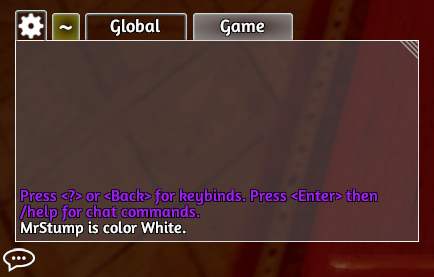
Once you click on Single Player or join a Multiplayer game, you will see a tab called Game. The Game tab is used for chatting with anyone currently in your lobby (if multiplayer). When a new message is posted on a tab you aren’t clicked on, it will highlight gold, letting you know there are new messages.
Any scripting errors or messages printed by scripting are displayed in this chat.
Team Chat
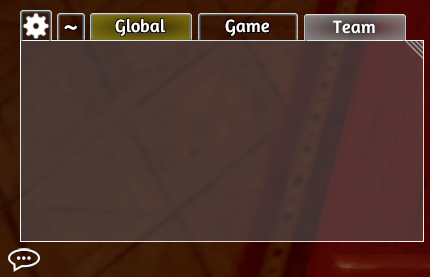
If you join a team, a third tab will pop up called Team. This tab is for private conversation only between you and your teammates.
Log
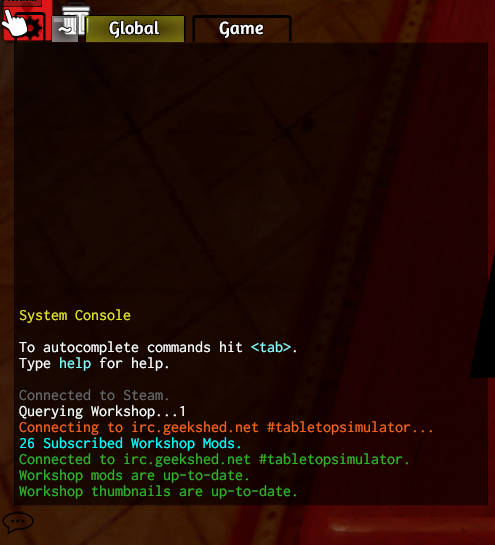
A log is available by clicking the ~ tab. The log is visible to all connected players in multiplayer, can be used to display information from scripting and acts as a general game log.
Chat Settings
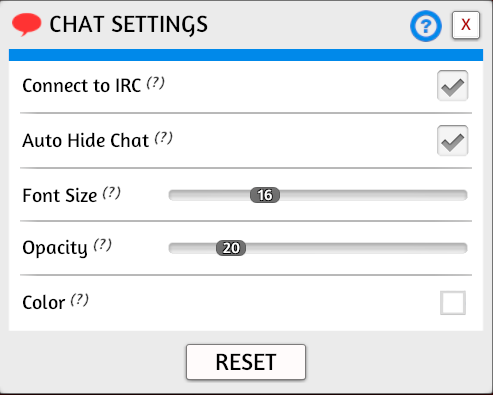
You can modify how the chat window looks by clicking the gear icon in the upper-left of the chat window. You can modify the size of the chat window by clicking and dragging the upper-right corner of its window.
Chat commands
The various chat windows all have chat commands. Just type /help to a list of available commands.
Voice Chat
Your ability to use a microphone to communicate with those you play with can be modified via the Sound tab of the Configuration Menu. There is a general press-to-talk key which allows you to talk to everyone in your game. There is also a private channel that you can share with only those on the same in-game team.
The default key for press-to-talk is C and the default press-to-team-talk is V.
Steam Community Chat
The Tabletop Simulator Community Hub has a dedicated Group Chat that you can use to find lobbies, connect with players and talk about Tabletop Simulator & board games. You can join this chat by clicking on the Steam Community Chat spotlight message or the chat bubble icon above the chatbox. This will open it up a new Steam chat tab and add a bookmark to the group at the bottom of your Steam Friendslist.
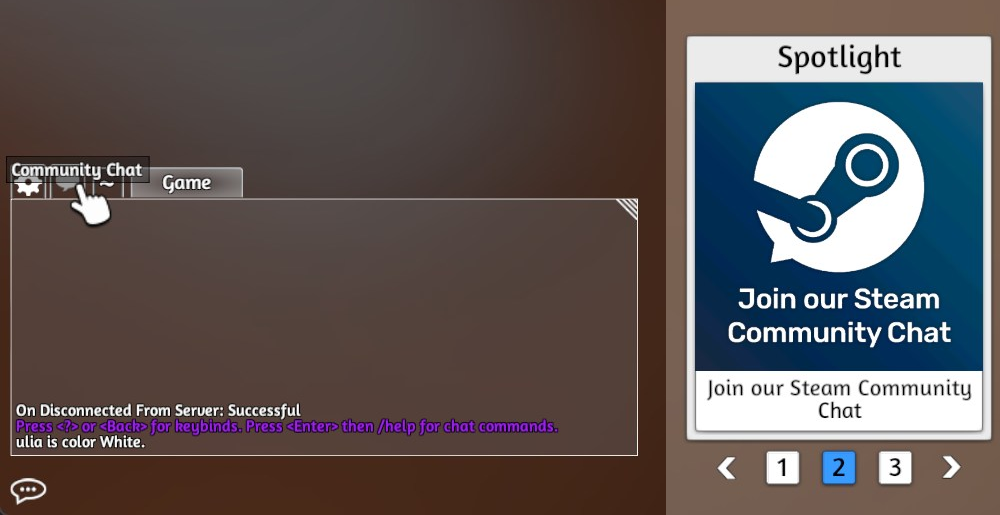
Please note that this chat is moderated and has a set of rules of conduct that we expect you to follow. When joining the Community Chat for the first time you will be prompted with an information window that outlines these rules. You can open up this information window again with the Rules button in the Chat Settings.
The Group Chat is for finding lobbies, connecting with players and talking about Tabletop Simulator & Boardgames. Be kind and respectful to other players, keep the chat on-topic and follow these rules of conduct:
- Do not spam or flood the channels
- Do not verbally attack or harass other players
- Do not post racist, degrading or bigoted content
- Do not post adult (18+), explicit or controversial content
- Do not post content that violates another person's contractual, personal, intellectual property or other rights
Breach of these rules will be met with a permanent ban from the Group Chat. Moderators have the right to make discretionary decisions when applicable